Dragon Ball Game Mods and Community Content: Expanding the Universe
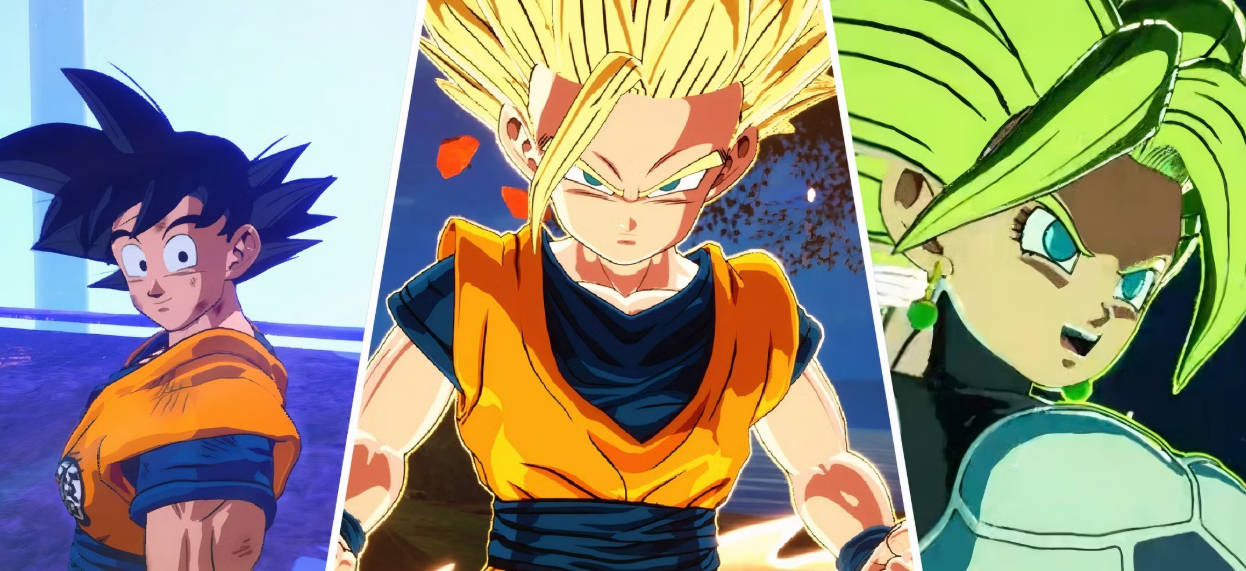
The Vibrant World of Dragon Ball Game Mods
The Dragon Ball gaming community is not just about playing the official games—it’s also about creating and sharing custom content through mods. These player-created modifications have become an integral part of the Dragon Ball gaming experience, allowing fans to expand and customize their favorite games in countless ways.
What Are Dragon Ball Game Mods?
Dragon Ball game mods are modifications created by fans that alter various aspects of the official games. These mods can range from simple cosmetic changes to complete overhauls that introduce new gameplay mechanics, characters, and storylines.
Popular Types of Dragon Ball Game Mods
There are several popular types of Dragon Ball game mods:
-
Character Mods: These mods add new characters to the game, ranging from obscure Dragon Ball characters to characters from other franchises.
-
Transformation Mods: These mods add new transformations or alter existing ones, often featuring custom models and effects.
-
Stage Mods: These mods add new stages or alter existing ones, often featuring locations from the Dragon Ball universe that weren’t included in the base game.
-
Gameplay Mods: These mods alter the gameplay mechanics, adding new features or balancing existing ones.
-
Story Mods: These mods add new story content or alter existing storylines, often featuring original narratives written by the mod creators.
-
Texture Mods: These mods alter the textures and visual effects in the game, often improving the graphics or changing the art style.
Popular Dragon Ball Games for Modding
Some Dragon Ball games are particularly popular among modders:
-
Dragon Ball Xenoverse 2: With its character creation system and extensive customization options, Xenoverse 2 is one of the most modded Dragon Ball games. Mods for this game include new races, transformations, costumes, and even entire new story campaigns.
-
Dragon Ball FighterZ: Despite being a fighting game, FighterZ has a thriving modding scene, with mods that add new characters, stages, and gameplay mechanics.
-
Dragon Ball Z: Kakarot: The open-world nature of Kakarot has made it a popular target for mods, with modifications that add new playable characters, locations, and quests.
-
Dragon Ball Z: Budokai Tenkaichi 3: Even though it’s an older game, Budokai Tenkaichi 3 still has an active modding community, with mods that add new characters, stages, and improve the graphics.
Notable Dragon Ball Game Mods
There have been several notable Dragon Ball game mods over the years:
-
Dragon Ball Xenoverse 2: Super Saiyan God Evolution Mod: This mod adds the Super Saiyan God Evolution transformation from Dragon Ball Super, complete with custom models, effects, and voice lines.
-
Dragon Ball FighterZ: DBGT Mod Pack: This comprehensive mod pack adds characters, stages, and music from Dragon Ball GT to FighterZ.
-
Dragon Ball Z: Kakarot - Super Saiyan 4 Mod: This mod adds the Super Saiyan 4 transformation from Dragon Ball GT to Kakarot, featuring custom models and animations.
-
Dragon Ball Z: Budokai Tenkaichi 3 - Ultimate Tenkaichi Mod: This mod completely overhauls Budokai Tenkaichi 3, adding new characters, stages, and gameplay mechanics.
How to Install and Use Dragon Ball Game Mods
Installing Dragon Ball game mods varies depending on the game, but the general process typically involves:
-
Finding Mods: Mods can be found on websites like GameBanana, Nexus Mods, and various Dragon Ball gaming forums.
-
Downloading Mods: Once you’ve found a mod you want to use, download the files to your computer.
-
Installing Mods: Follow the installation instructions provided by the mod creator, which may involve extracting files to specific folders or using mod management tools.
-
Activating Mods: Some mods require activation through in-game menus or external tools.
Modding Tools and Resources
There are several tools and resources available to help modders create Dragon Ball game mods:
-
Dragon Ball Xenoverse 2 Mod Tool: A comprehensive tool for creating and editing mods for Xenoverse 2.
-
Dragon Ball FighterZ Mod Manager: A tool for organizing and activating mods for FighterZ.
-
3D Modeling Software: Programs like Blender and 3ds Max are used to create custom models for mods.
-
Texture Editing Software: Programs like Photoshop and GIMP are used to create and edit textures for mods.
-
Community Tutorials: Many modding communities offer tutorials and guides to help new modders get started.
The Legal and Ethical Aspects of Modding
While modding is generally accepted as a legitimate hobby, there are some legal and ethical considerations:
-
Copyright: Mods that use copyrighted material from other franchises may be subject to copyright claims.
-
Terms of Service: Some game publishers prohibit modding in their terms of service, though enforcement is rare for non-commercial mods.
-
Credit: It’s important to give credit to the original creators of any assets used in mods.
-
Support: Modders should make it clear that their mods are not officially supported by the game developers.
The Future of Dragon Ball Game Mods
The future of Dragon Ball game modding looks bright, with several developments on the horizon:
-
New Games: The upcoming release of Dragon Ball: Legacy of the Super Saiyans and Dragon Ball FighterZ 2 will likely inspire a new wave of mods.
-
Improved Tools: As modding tools become more sophisticated, modders will be able to create more complex and ambitious mods.
-
Official Support: Some game developers are beginning to embrace modding, offering official tools and support to the modding community.
-
Console Modding: While historically difficult, modding on consoles is becoming more accessible, potentially expanding the modding community to console players.
Impact on the Dragon Ball Gaming Community
Mods have had a significant impact on the Dragon Ball gaming community:
-
Extended Lifespan: Mods can extend the lifespan of a game by providing new content and experiences long after the game’s official support has ended.
-
Community Engagement: Modding fosters a sense of community and collaboration, as modders share their work and help each other improve their skills.
-
Feedback for Developers: Mods can serve as a form of feedback for developers, showing them what features and content fans are interested in.
-
Talent Development: Many professional game developers got their start creating mods, and modding can be a valuable way to develop skills and build a portfolio.